

When a disruption hits, it rarely stays small. A power outage can stop phones and payments, a ransomware alert can lock up files, and one key staff absence can slow approvals, payroll, and customer support at once. That's why business continuity planning matters: It helps protect what you've built and keep your business moving when the day doesn't go to plan.
Key Takeaways
- Business continuity planning helps keep essential operations running during disruptions like ransomware, power outages, internet failures, staffing gaps, and vendor issues.
- Start with a risk assessment and business impact analysis (BIA) to identify critical functions, key dependencies, acceptable downtime, and data loss tolerances.
- A strong plan assigns clear ownership, backup decision-makers, communication roles, and vendor contingencies before an incident happens.
- Resilience depends on practical safeguards like backup internet, cloud access, offsite or immutable backups, cybersecurity controls, and tested recovery procedures.
- Remote work readiness and documented communication channels make it easier to keep employees, customers, and partners informed when normal systems are down.
- Business continuity plans need regular testing and updates so they stay useful as systems, vendors, staff, and business priorities change.
Why Business Continuity Planning Matters During Unexpected Disruptions
Business continuity planning is preparing your organization to keep essential operations running during and after a disruption. A business continuity plan (BCP) defines what must stay available, who does what, how you'll communicate, and how you'll recover; unlike disaster recovery (DR), which focuses on restoring systems and data, continuity also covers people, processes, vendors, locations, and customer service.
At Constant C Technology Group, we see how one outage can interrupt email, phones, scheduling, billing, and customer communication at the same time. Strong planning starts with a risk assessment and a business impact analysis (BIA), then turns into practical action: Identify risks, assign ownership, strengthen technology, support remote work, and test regularly.
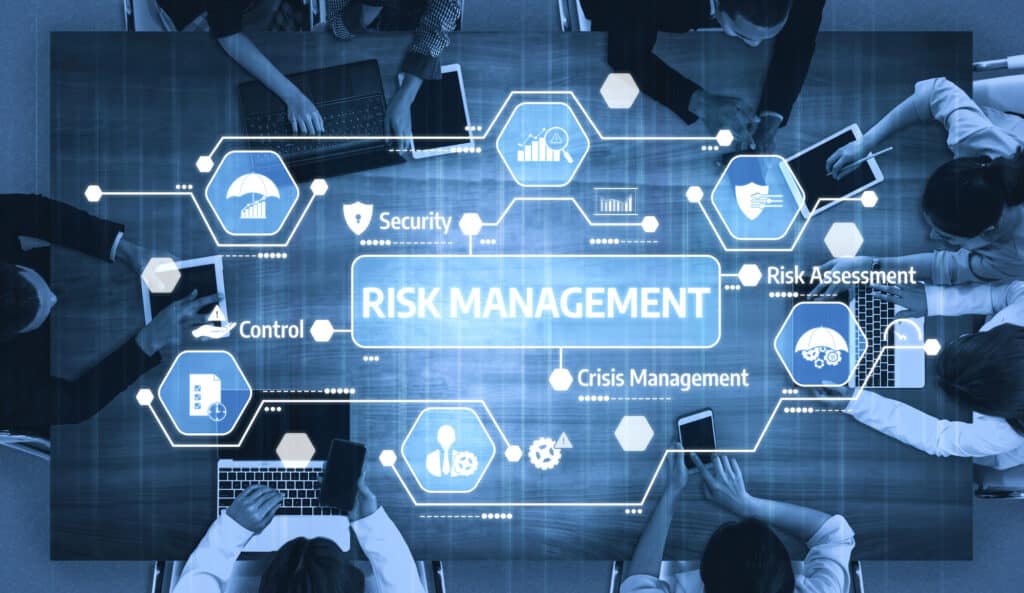
Strategy 1: Identify Risks And Prioritize Critical Business Functions
The first step in business continuity planning is identifying realistic disruption scenarios and deciding what can't stay down for long. For most small and midsize businesses, that includes ransomware, Microsoft 365 downtime, provider failure, VoIP outages, power outage events, server failure, vendor lockout, staffing shortages, and supply chain disruption.
At Constant C Technology Group, we use a business impact analysis (BIA) to map critical business functions, owners, dependencies, acceptable downtime, and likely workarounds. Your recovery time objective (RTO) defines how quickly a function must return; your recovery point objective (RPO) defines how much data loss is acceptable. A solid data backup and recovery plan starts with those priorities and with finding every single point of failure behind the scenes.
Strategy 2: Build A Business Continuity Planning Framework With Clear Roles
A plan fails if nobody knows who owns it. Business continuity planning works when your team knows who activates the plan, who approves decisions, who communicates updates, and who steps in if a primary contact is unavailable.
At Constant C Technology Group, we help clients assign ownership clearly: One person owns the business continuity plan (BCP), leadership approves it, department leads define minimum service levels, and backups are named for every critical role. The framework should also cover vendor management, including emergency contacts, service levels, alternate suppliers, and outside dependencies. A documented disaster recovery plan for business gives your team a shared playbook; training and periodic exercises make sure they can use it under pressure.
Strategy 3: Strengthen IT Systems, Data Backup, And Cybersecurity Resilience
Most continuity failures now involve technology, even when the original problem isn't technical. That's why business continuity planning needs information technology (IT) systems, data backup, cloud computing, and cybersecurity built in from the start.
At Constant C Technology Group, we focus on practical redundancy: Backup internet, battery power, cloud file access, alternate admin accounts, and failover for phones and connectivity. Backups also need offsite or immutable copies, restore testing, and a named recovery owner; an Office 365 backup strategy helps protect email, files, and collaboration data that Microsoft 365 alone doesn't fully cover. Because cyber incidents are now a leading disruption, continuity should also include identity controls, endpoint protection, and documented incident response so your team can isolate devices, notify decision-makers, and restore from clean backups. We also help businesses address the rising cybercrime attacks on businesses, so planning includes recovery, not just prevention.
Strategy 4: Enable Remote Work And Reliable Communication During Disruptions
When your office is unavailable, work still needs a path forward. That means secure remote work, alternate communication channels, device readiness, and access to essential systems even if the office network is offline.
At Constant C Technology Group, we help businesses build remote-ready environments with secure access, cloud file availability, alternate collaboration methods, VoIP failover, and clear sign-in steps. A strong crisis communication plan should also define who speaks to employees, customers, vendors, leadership, and regulators; for healthcare, legal, finance, and nonprofit organizations, it must still reflect privacy, record retention, and service obligations.
Our 3-Step Continuity Communication Process
Step 1: Decide Who Speaks
Assign message owners for employees, customers, vendors, leadership, and regulators before an incident happens. Name a backup for each role.
Step 2: Define Primary & Backup Channels
Use email, phone, text, voicemail, and chat, but assume your main tool may fail. If Microsoft 365, Teams, or your phone system is down, the fallback channel should already be documented.
Step 3: Set Update Timing
Decide when the first message goes out, how often updates follow, and who approves major changes. Clear structure helps your team stay calm when the day is anything but calm.
Strategy 5: Test, Update, And Improve Your Business Continuity Plan Regularly
A continuity plan is never finished when the document is written. It only proves itself when you test it, learn from it, and update it as your business changes.
At Constant C Technology Group, we recommend quarterly tabletop exercise sessions, annual restore tests, call-tree checks, and post-incident reviews. Testing should answer practical questions: Can you restore within RTO and RPO targets, run payroll if the office closes, shift customer service to mobile phones, or approve urgent payments if the normal approver is unavailable? If you're starting from scratch, a 30-60-90-day rollout works well:
- First 30 days: Risk assessment, BIA, role assignments
- Next 30 days: Backup review, communication matrix, remote access fixes
- Final 30 days: Tabletop test, restore test, plan revisions
For practical guidance on data loss disaster prevention, it helps to look beyond major disasters and focus on everyday failure points that can stop work just as fast.

Keep Your Business Running With Support From Constant C Technology Group
At Constant C Technology Group, we know continuity isn't just about servers and backups. It's about protecting your people, revenue, customer relationships, and peace of mind by planning across systems, vendors, locations, and daily operations.
We help businesses decide what to keep in-house and what to outsource, especially for backup monitoring, cybersecurity operations, cloud migrations, documentation, after-hours response, and managed IT services. Our support can include backup and disaster recovery in Winnipeg, cybersecurity reviews, cloud solutions, and continuity-focused planning that feels practical from day one. If you're ready for steadier operations and fewer surprises, Constant C Technology Group is here to help.
Business Continuity Planning FAQ
What is business continuity planning?

What kinds of disruptions should a business continuity plan address?
How is business continuity planning different from disaster recovery?
Disaster recovery (DR) focuses on restoring systems, infrastructure, and data. Business continuity planning is broader and covers how the business keeps serving customers, communicating, and operating while recovery happens.
How often should a business continuity plan be updated?
Review your plan at least annually and whenever there's a major change in systems, staffing, vendors, office space, or business processes. Update it after major tests or real disruptions as well.
What are the most important elements of a business continuity plan?
The essentials are a risk assessment, a business impact analysis (BIA), clear ownership, communication procedures, remote work readiness, vendor planning, backup and recovery steps, cybersecurity controls, and testing. If you handle regulated or sensitive data, your continuity requirements should reflect that.
Can small and midsize businesses benefit from business continuity planning?
Request A Free Quote
It's time to trust your business IT support with a company you rely on.

You must be logged in to post a comment.